
Facilities
The tabbed band covering food and drink, spa, fitness, entertainment, families and sustainability.
Where the content really comes from
ePIM facility prose, per hotel
What makes it this section
Makes this section the facilities band.
What a visitor sees
- 3
Heading
- 5
Facility tabs — the labels are yours
- 6
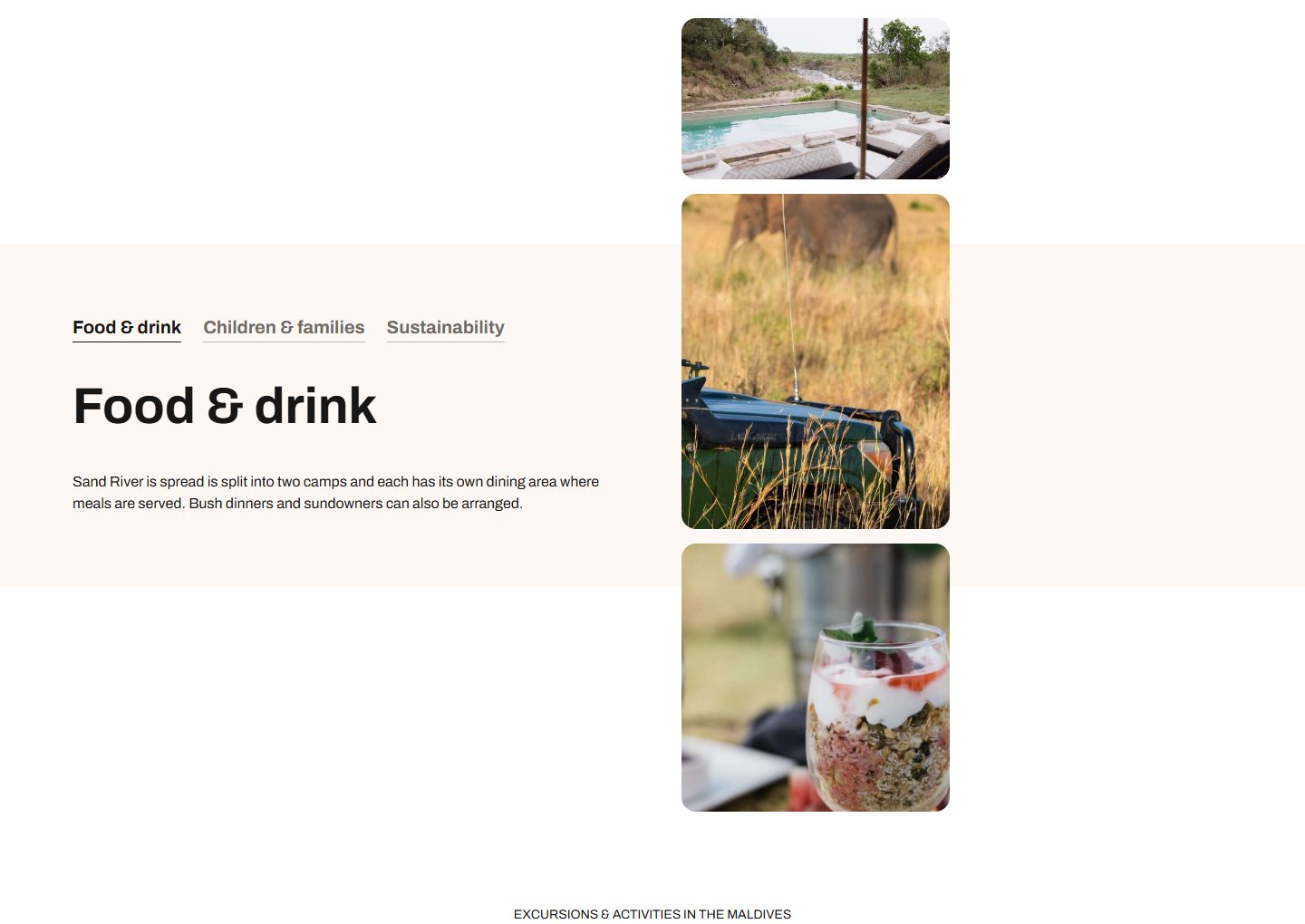
Facility image mosaic
What each field controls
The Field column is the label as it appears in Contentful; under it, the field's id, for talking to a developer. The number matches the marker on the screenshots above.
| # | Field | What it controls | Notes |
|---|---|---|---|
1 | Kind kindrequired | Which band of the page this section fills. | Set this FIRST — it decides which band this section is, and therefore which of the other fields do anything. "hero" is the odd one out: it is not a band on a hotel page at all, it is the wording of the hero at the top of a TRIP page. Choose one of: overview facilities whenToVisit tripCustomisation areaMap reviews faqs hero |
2 | Eyebrow (small title above) eyebrow | The small label above the heading. | Leave empty and nothing shows. |
3 | Heading headingrequired | The band's title. | Also the entry's title in Contentful's lists, so it is how you find this section again. |
4 | Introduction introduction | The paragraph under the heading. | — |
5 | Facility tabs tabs | The wording on the tabs across the facilities band. | A JSON object, one entry per tab: { "id": "food-and-drink", "label": "Food & drink", "heading": …, "standfirst": … }. The ids are a closed set — food-and-drink, spa-and-wellness, fitness, entertainment-and-activities, children-and-families, sustainability — because each one is fed by a specific ePIM field. An id outside that list is dropped and the page records that its label is not rendering. |
6 | Facility image mosaic mosaic | The picture grid beside the tabs. | Structured data. Leave it to a developer unless you have been given the shape. |
How to change it, step by step
Understand what you are about to change
This band is part of the SHARED hotel template. Editing it changes the same band on every hotel page on the site. If you only want it different on one hotel, use the last step instead.
Find the entry
Search Contentful for "Hotel template — Facilities" and open it. You can also reach it from the "Hotel detail — shared template" Page entry, which lists every band in page order.
Change what you need
Edit the fields listed above. Contentful saves as you type, but saving is not publishing.
Publish this entry
Change status → Publish, top right. Until you do, hotel pages keep showing the previous published version.
Check a hotel page
Open any hotel page and find the band. Changes appear within about 30 seconds. If nothing changed, an unpublished entry is nearly always the reason — /api/debug-fallbacks lists anything that fell back to built-in content.
If you wanted it on ONE hotel only
Undo your change here, then open that hotel's Accommodation entry, add a band of the same kind to its Sections list and author it there. A band on the hotel's own record overrides the template's for that hotel and leaves the other 1,800-odd untouched.