
Introduction
Centred text near the top of the page: a small line, a large statement and a paragraph. No picture, no button.
What makes it this section
Banner is used for five different things. Kind decides which. Set it before anything else.
What a visitor sees
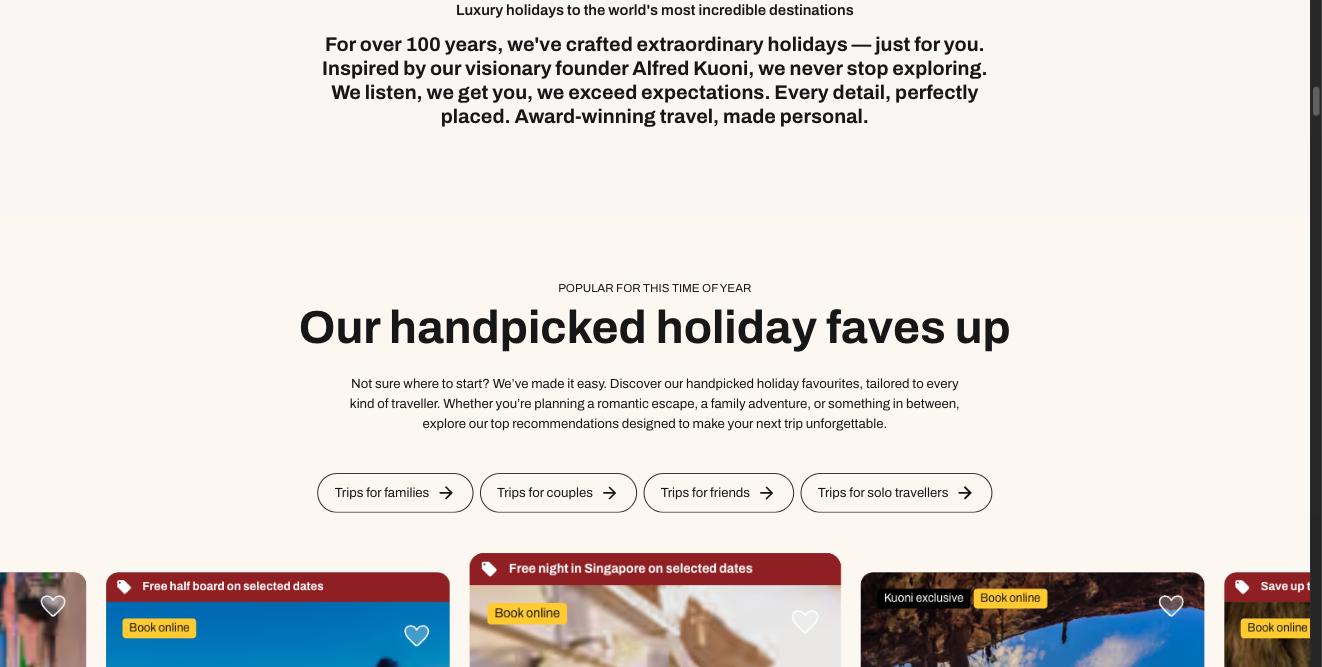
What each field controls
The Field column is the label as it appears in Contentful; under it, the field's id, for talking to a developer. The number matches the marker on the screenshots above.
| # | Field | What it controls | Notes |
|---|---|---|---|
1 | Internal name internalNamerequired | Nothing on the page. | — |
2 | Kind kindrequired | Which of the five Banner designs you get. | Must be introduction for this section. Change it and the section becomes something else entirely. Choose one of: emptyState errorPage promoCard introduction newsletter |
3 | Eyebrow eyebrow | The small upper-case line at the top. | Up to 80 characters. |
4 | Heading headingrequired | The large statement. | Up to 90 characters. |
5 | Body body | The paragraph. | Up to 600 characters. |
Heading level / Heading style / Heading colour headingLevel / headingVariant / headingColor | The heading's importance, size and colour. | — |
How to change it, step by step
Find the entry
Search Contentful for "Homepage — Introduction" and open it. You can also reach it from the Homepage entry — it is in the Sections list, in page order.
Change what you need
Edit the fields listed above. Contentful saves as you type, but saving is not publishing.
Publish this entry
Change status → Publish, top right. Until you do, the site keeps showing the previous published version.
Publish anything new you linked
If you added a card or a CTA, open each one and publish it too. A draft card is skipped silently — the section renders without it and nothing tells you why.
Check the page
Open the home page. Changes appear within about 30 seconds. If nothing changed, the usual cause is an unpublished entry.